The Yobo Adapter (60-72 pin Adapter) due to its height in famicom sharp twin's and other famicom consoles other than the original famicom's will not display games correctly or art all.
You can make it work (kind of) If you eject the adapter with the game cart attached to it slightly from the console. However this takes anywhere from one try to 10, to make the pins line up and work.
Now let me show you how to make it work 99%, this does not include games where you have to modify the yobo card to read (some MMC5 and Retrozone's NES flash card).
To adjust the height of the pins to make contact with the 60pin inside the console please read below...
Materials:
One Q-Tip, Hot Glue, Hot Glue Gun, and Scissors.
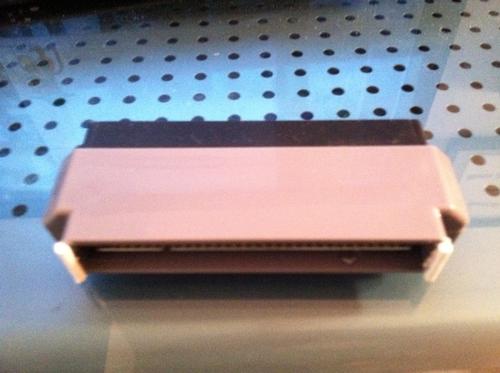
Steps:
1 - Cut one Q-Tip into lengths equal to that of the adapter's width, so a little more than a 1/4 inch.
2 - Use the hot glue to attach the Q-tips to the adapter.
3 - Hold the Q-Tip tightly to make sure you get the height you require, because if both sides are off a little, the adapter will not read.
4 - Try it out.
The Q-Tip has the right height to get the adapter to work with almost any game I threw at it, instead of having to press the eject button a little. The hot glue worked better than black electrical tape.
Also it's a good idea to completely clean the yobo adapter before work, as your hot glue over the cartridge seam.
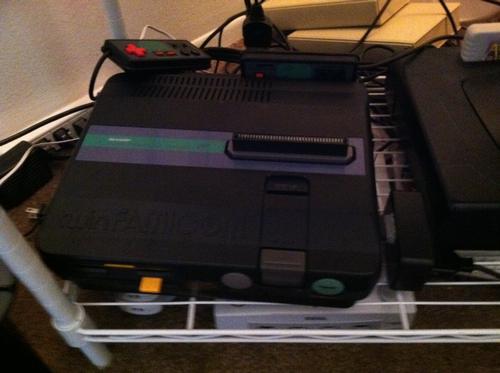
Wynd
 http://goo.gl/xmzKR...